Team and rotation
A team owns alerts and has one or more rotations; a rotation is what the
hub pages and decides who is on call. The team's short name is the one
the hub's spec uses, for example in page actions
(ActionRule). Creating a team
takes a tenant admin; its members and rotations are then managed by its
team admins and rotation managers
(authorization).
1. Create the team
Organisation › Teams, Create team:
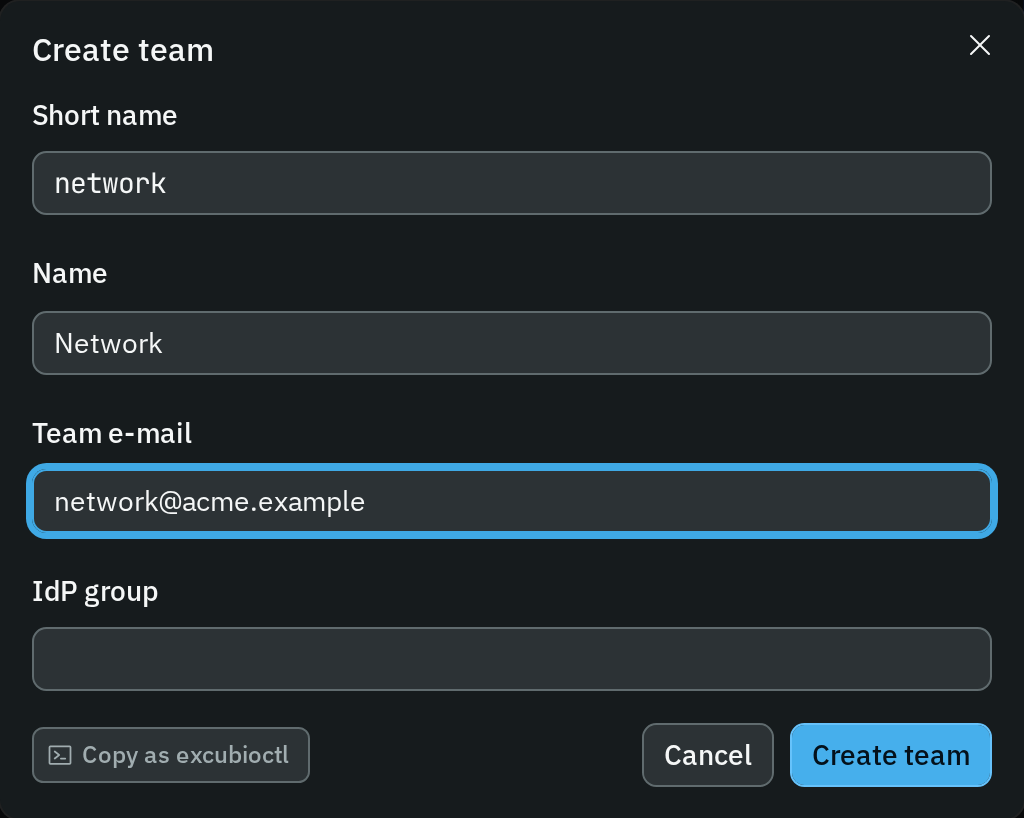
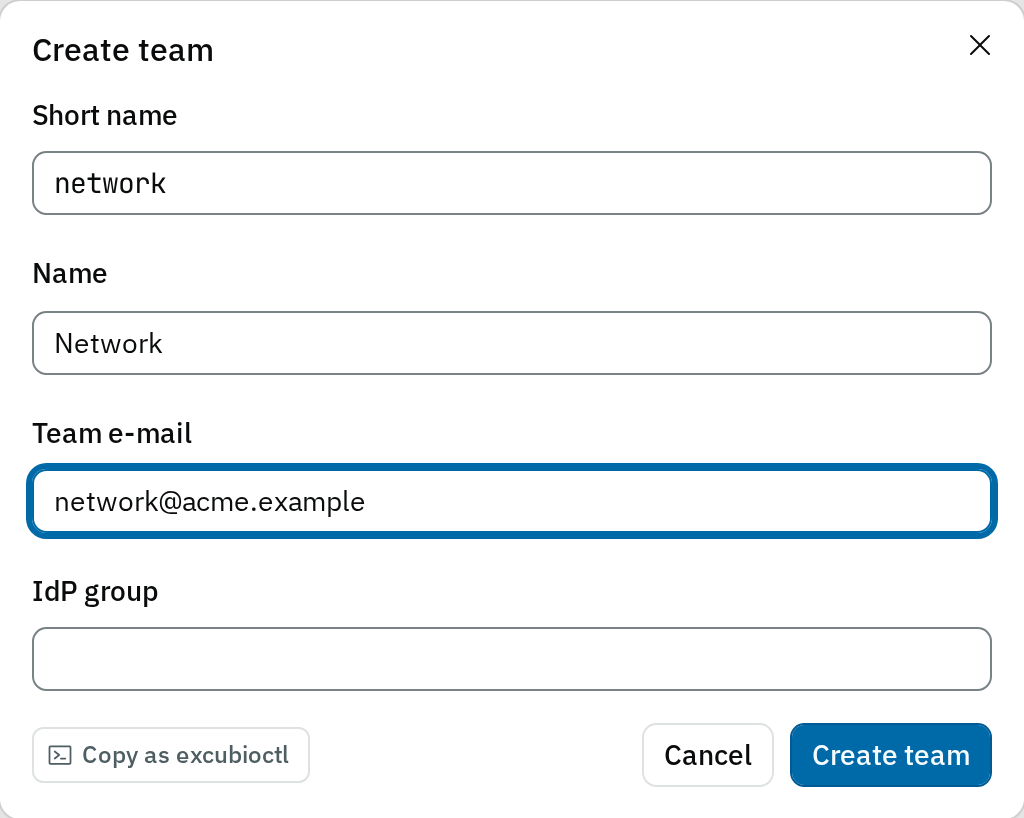
The short name ① names the team in rotations (network/primary) and in
the hub's spec. With
an IdP group, the group's members join the team at their next
sign-in (people and teams).
excubioctl team create network --name Network does the same.
2. Add the members
On the team's page, Add member ① finds a person of the organisation and gives them a role ②: member, rotation manager or team admin.
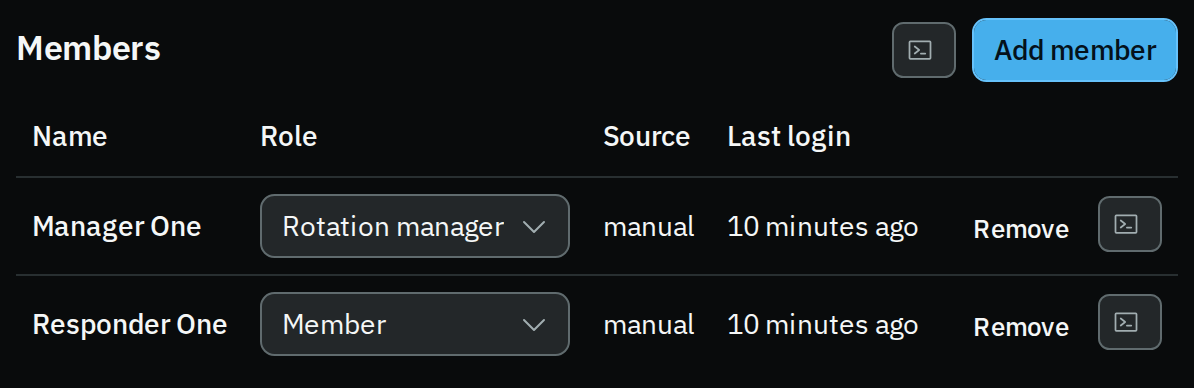
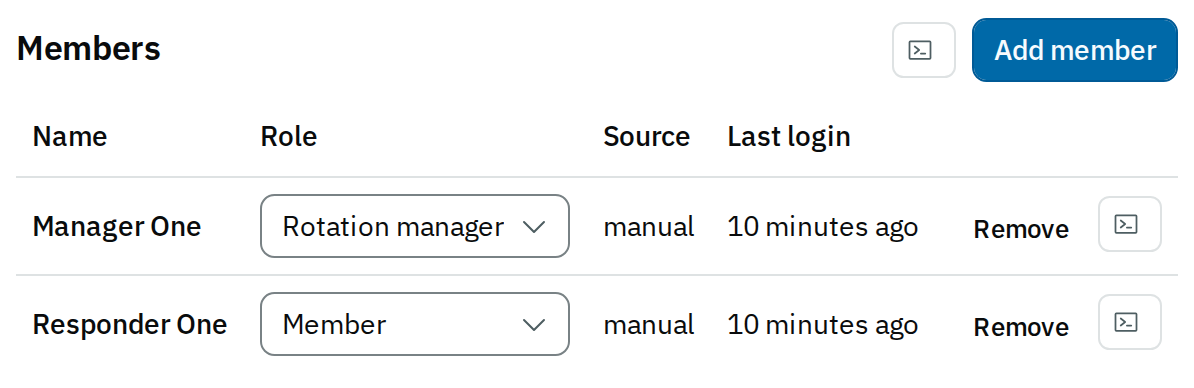
People appear once they have signed in to the cloud. The members of a
rotation must be members of its team. excubioctl team members network --file members.toml sets the members and roles from a file
(command reference).
3. Create the rotation
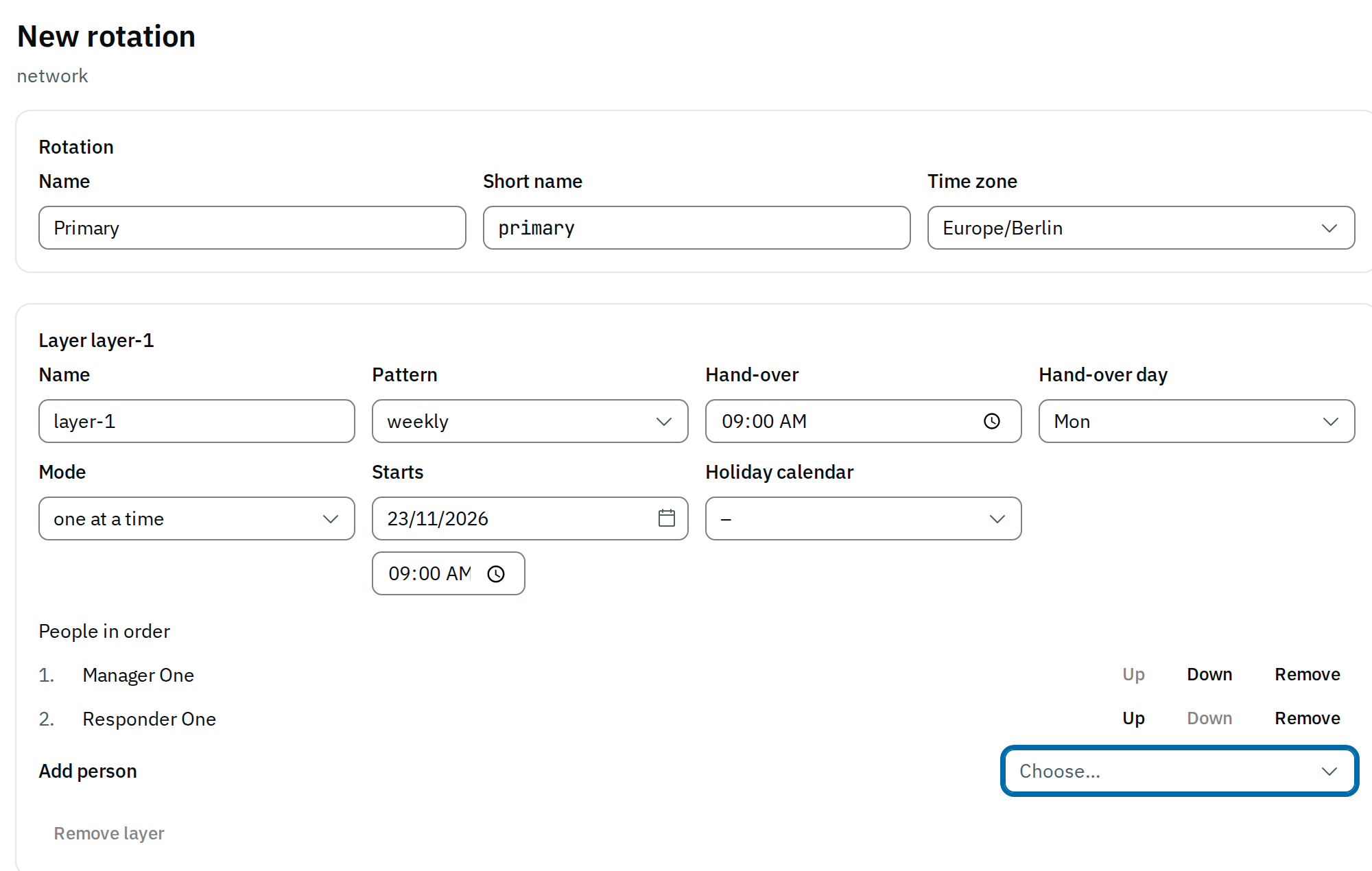
New rotation under Rotations opens the form. A rotation has layers, evaluated from the top; each has a pattern ①, a hand-over time and day ②, and its people in order ③:
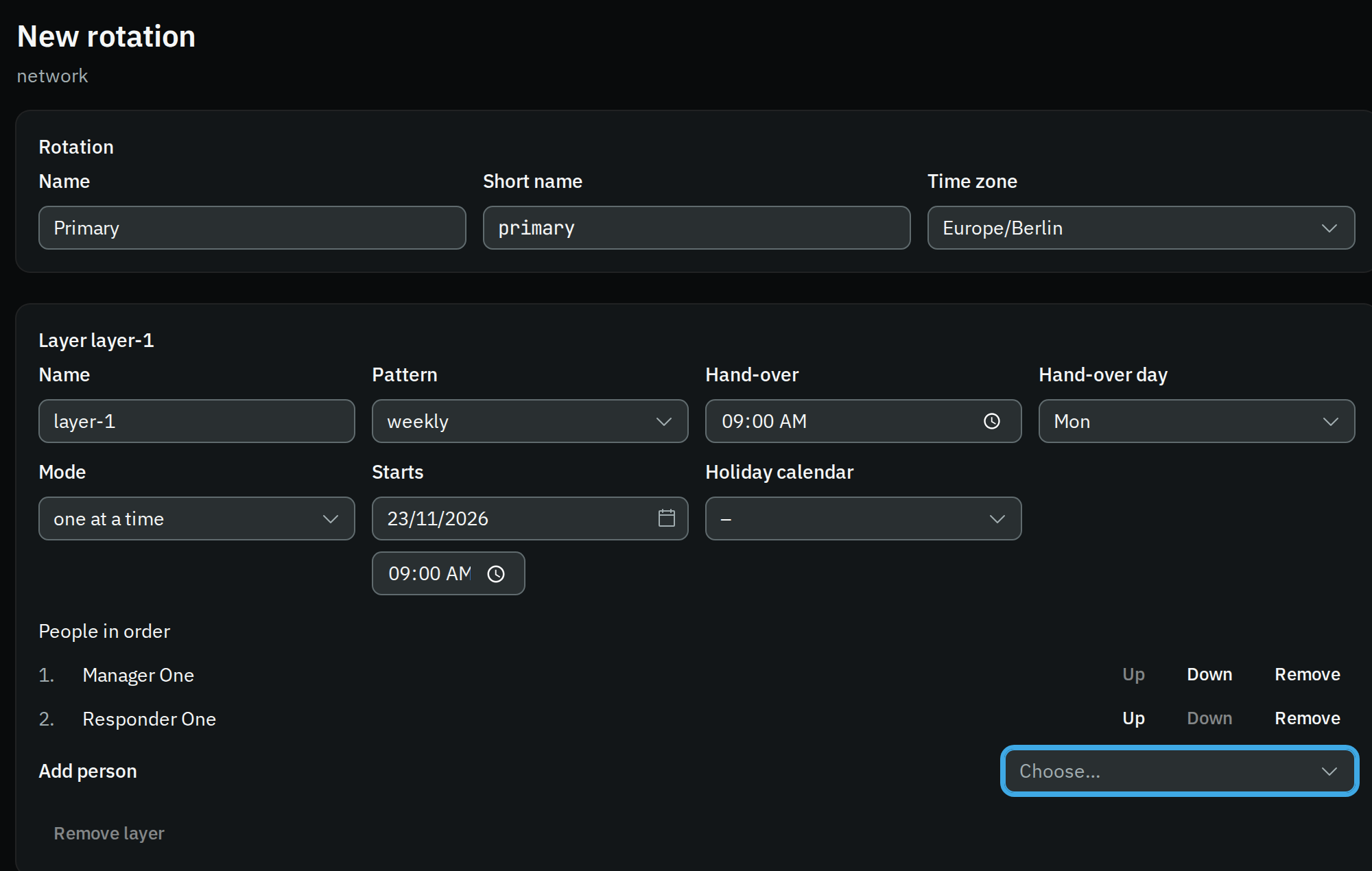
Below the layers the form sets the escalation, the grouping of incidents, a scheduled number test and an optional handset; their meaning is in rotations and escalation. Preview 30 days shows the shifts, gaps and unreachable people before you create the rotation.
4. Check the calendar
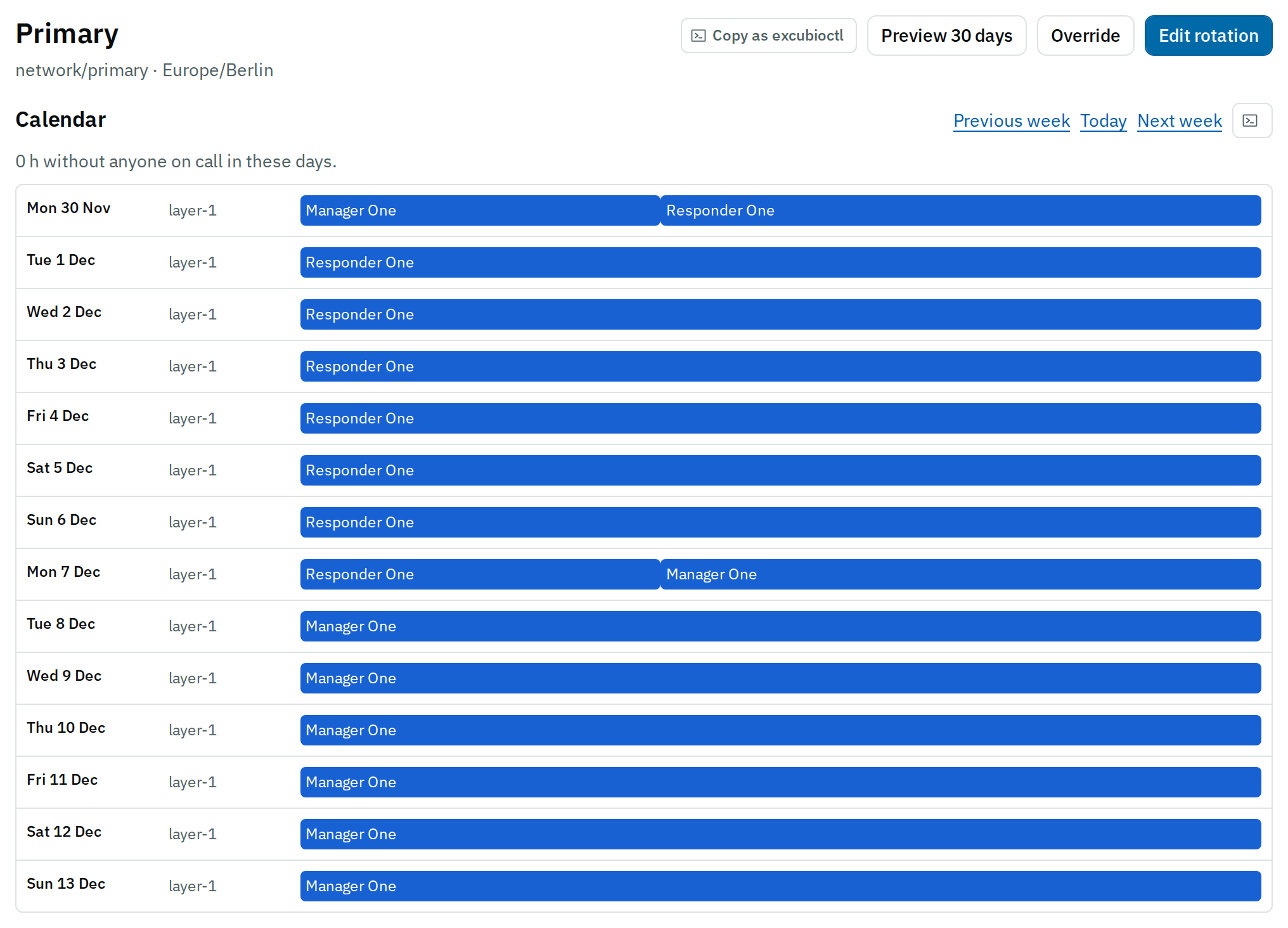
Create rotation opens the rotation's page with its calendar, two weeks at a time; Previous week, Today and Next week ① move it:
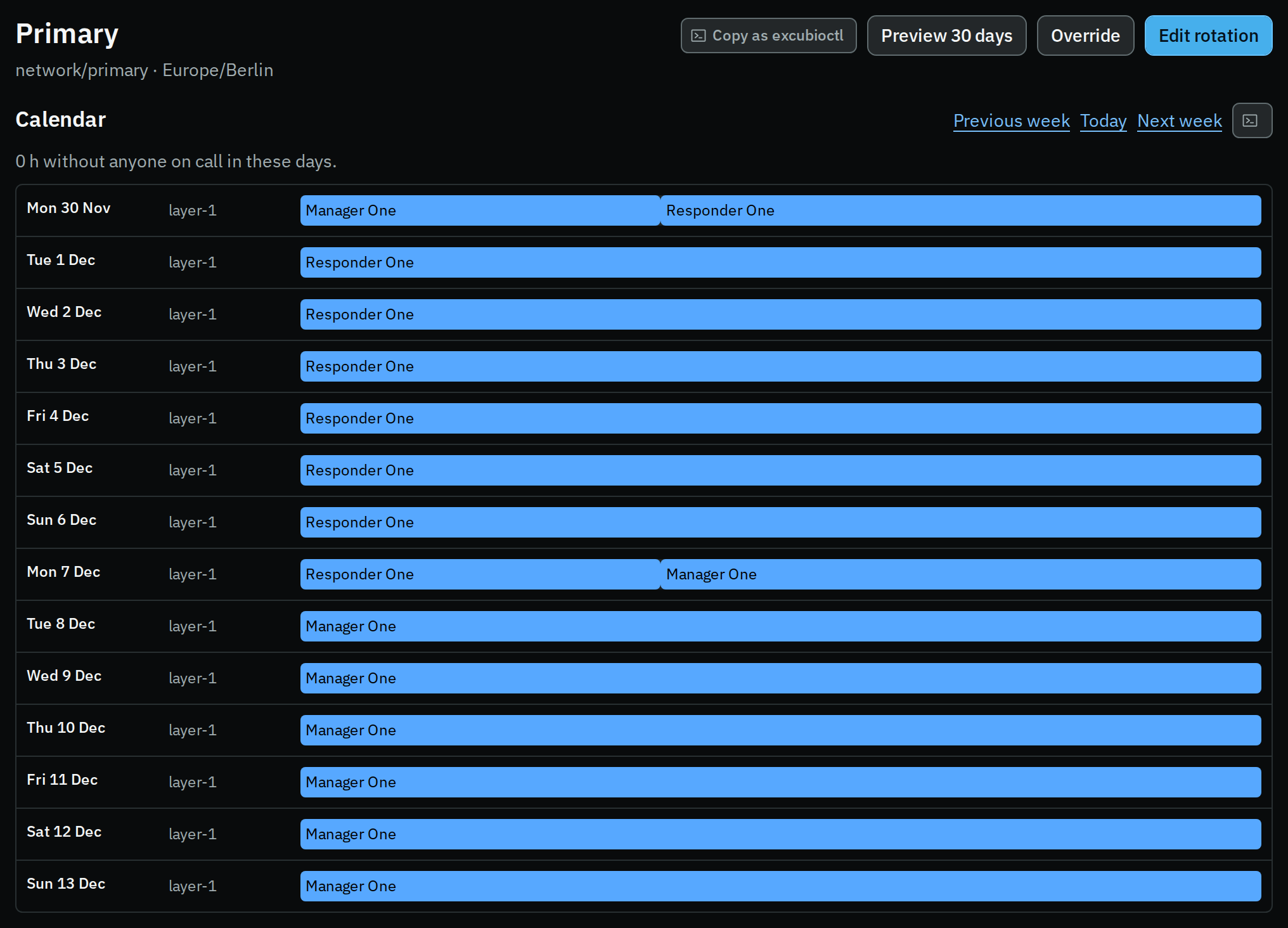
Overrides, swaps and absences change the calendar without changing the
layers (swaps). The hub learns the team
and its rotations from the cloud; a hub pages the rotation when its
allowlist admits it (Create a hub).
The on-call configuration can also be kept as files and applied with
excubioctl oncall apply
(configuration as files).
Next: connect a Source to the hub.