Acknowledge an incident
When the hub pages a rotation, the cloud opens an incident and pages the
person on call by their notification rules until someone responds. You
can respond from the app, by replying to the SMS, on the phone's keypad
during a call, or on the incident's page
(acknowledgement). Here Manager
One, on call in ops/primary, responds in the browser.
1. Open the incident
The SMS links to the incident's page; signed in, Incidents lists it. The page shows the incident's state and level, its alerts with the hub's facts, who is on call and the timeline of deliveries and responses:
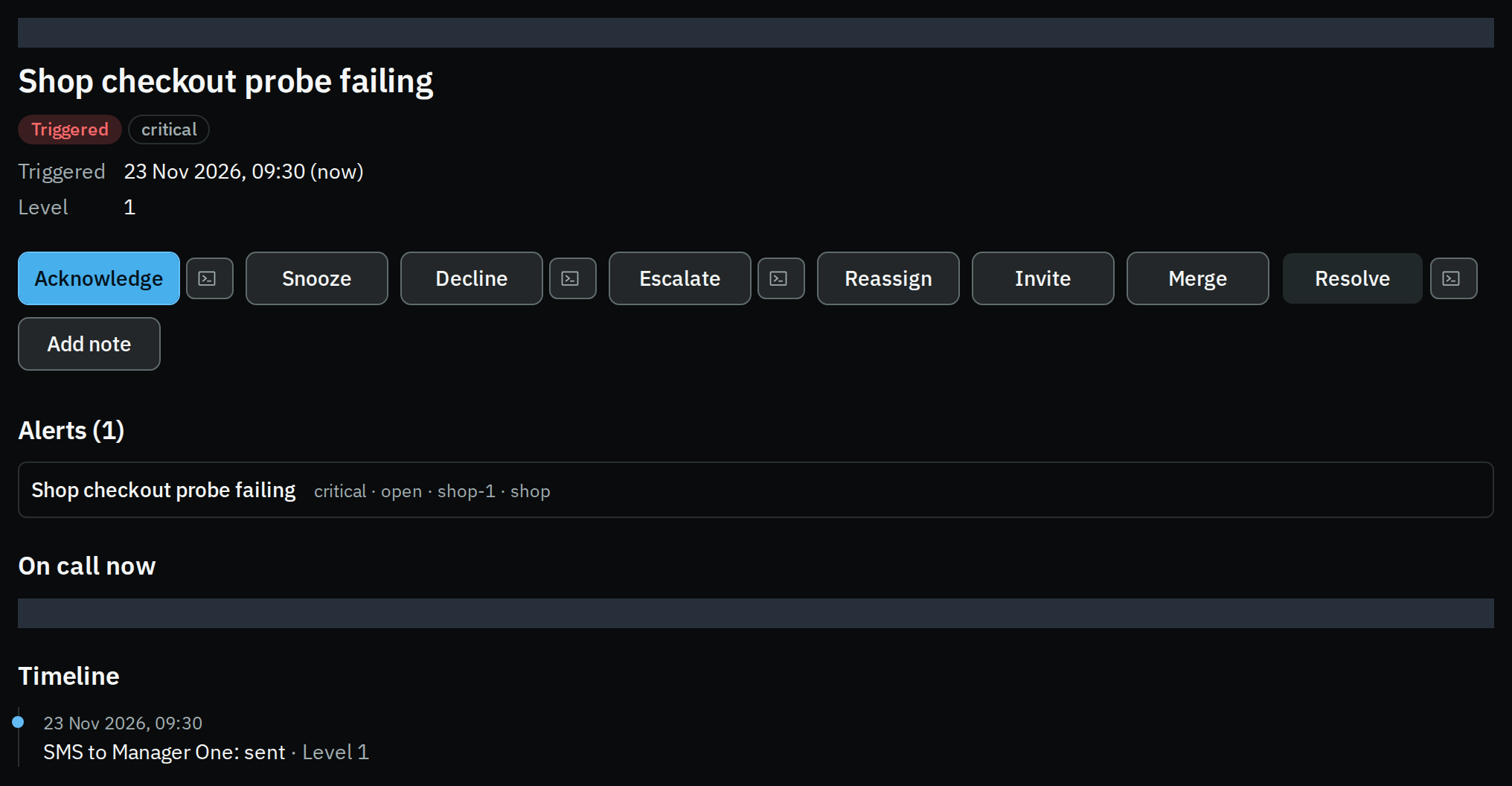
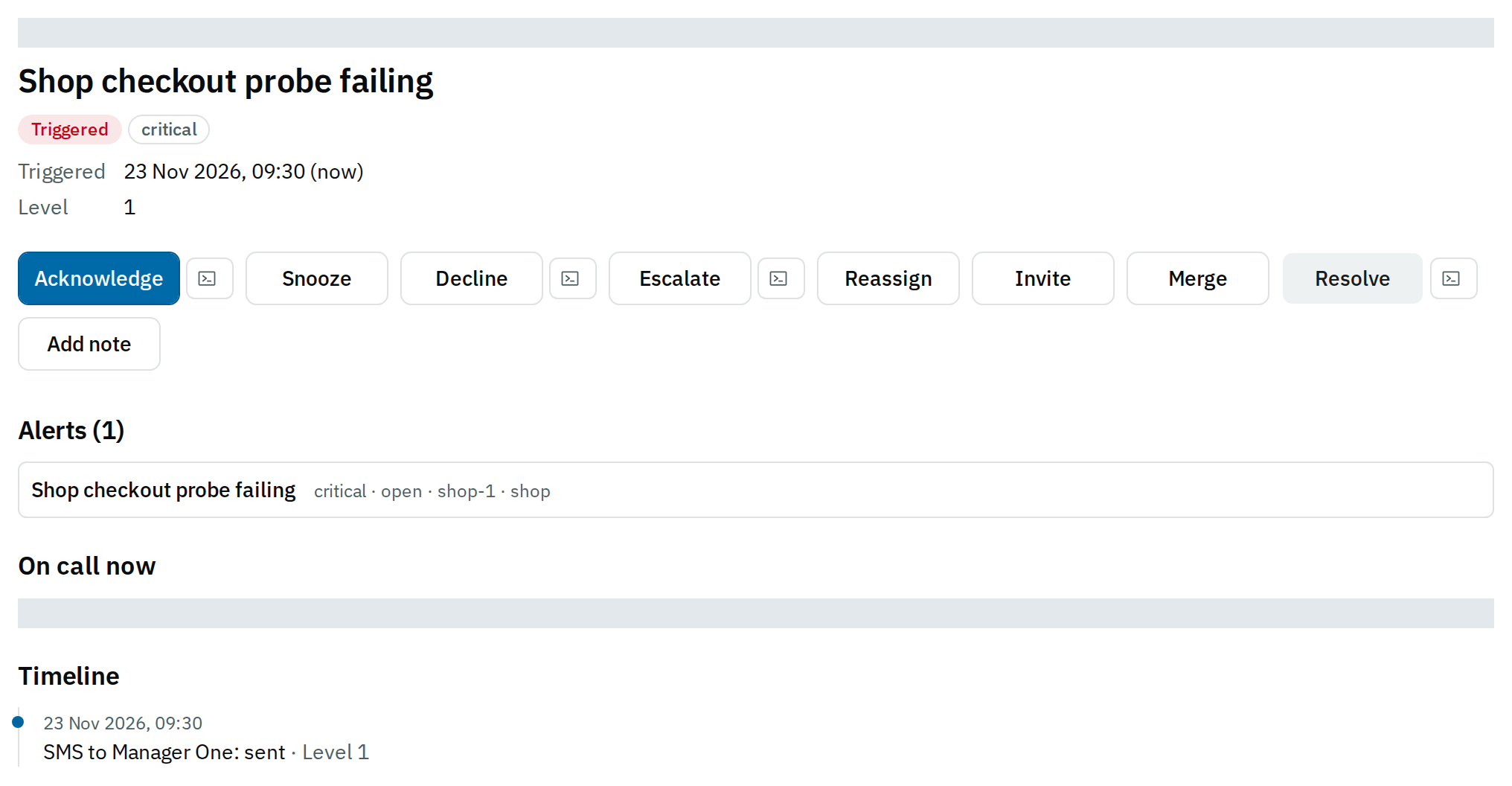
The link in the SMS opens the page without signing in and allows acknowledging, declining, snoozing, escalating and notes; the other responses need a sign-in.
2. Acknowledge
Acknowledge ① stops the paging and the escalation of the incident; the acknowledgement goes to the hub, which writes it back to the source:
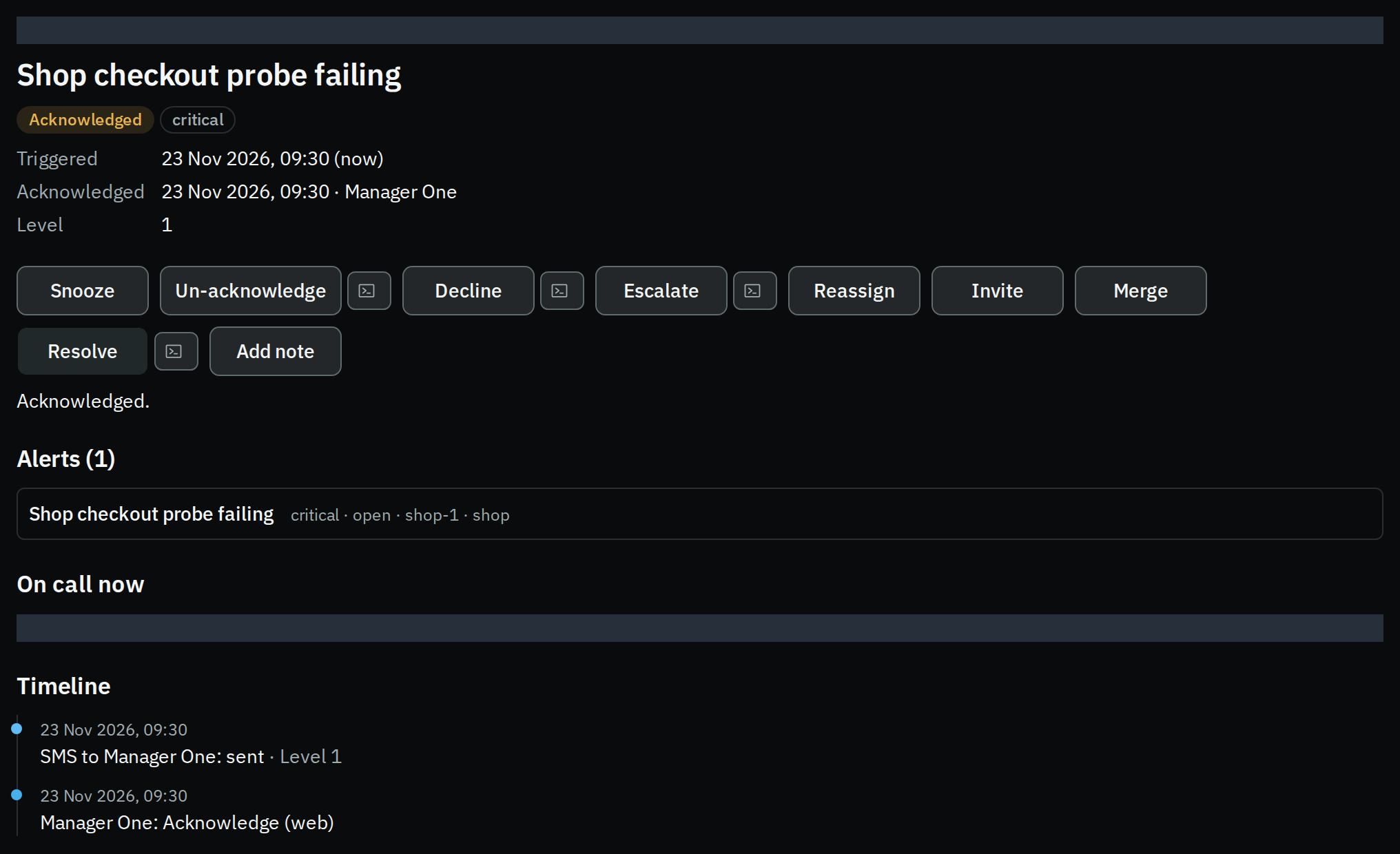
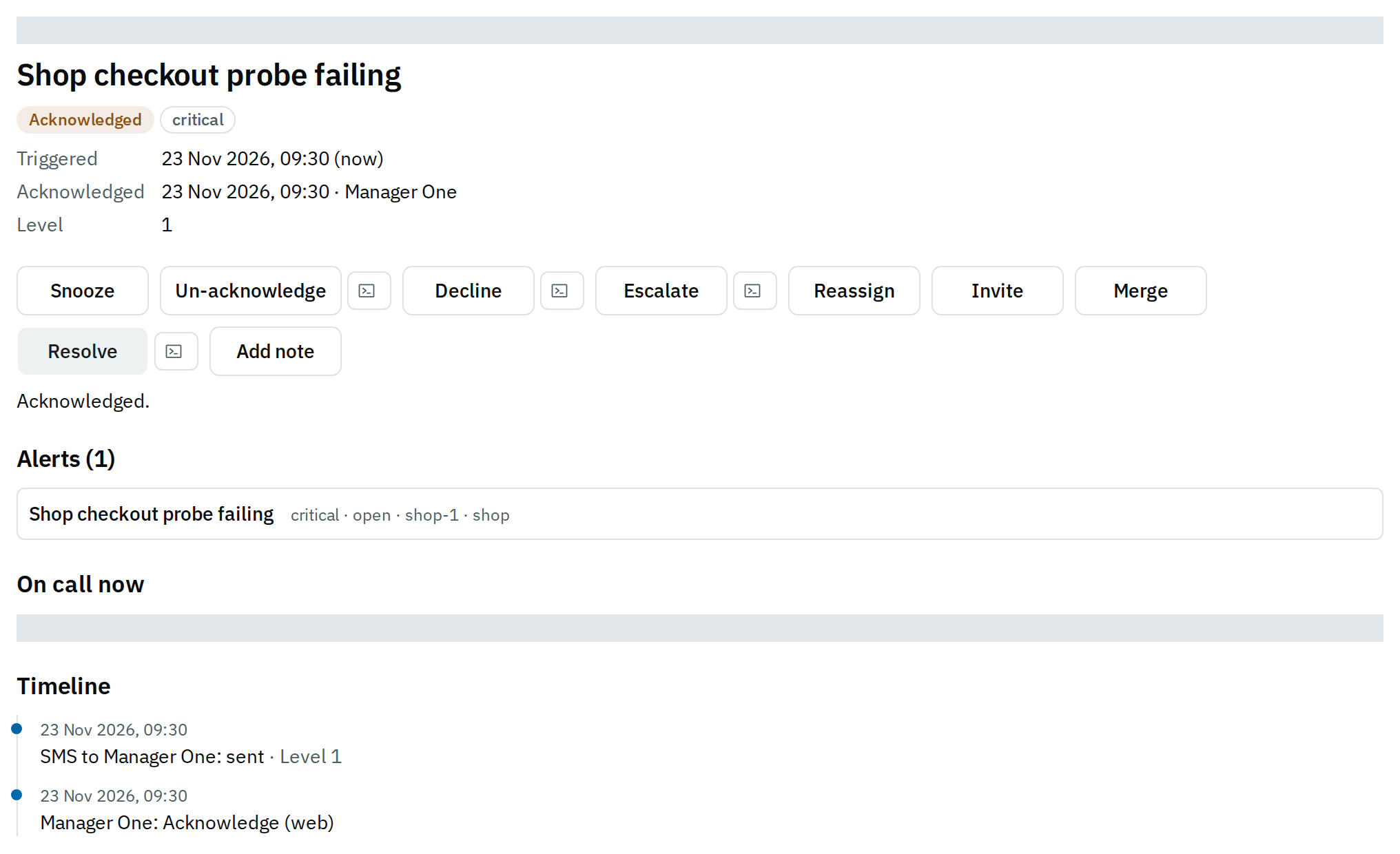
The other responses are next to it: Snooze acknowledges for a time
and pages again if the alerts are still open, Decline stops your own paging,
Escalate goes to the next level, Reassign, Invite, Merge,
Resolve and Add note; their effects are in
acknowledgement, the levels in
escalation. The incident resolves
when every alert of it is closed in the hub
(auto-resolve).
excubioctl incident ack ID acknowledges from the command line
(command reference).
3. Find it in the list
On call › Incidents lists the incidents of your teams, unanswered ones first:
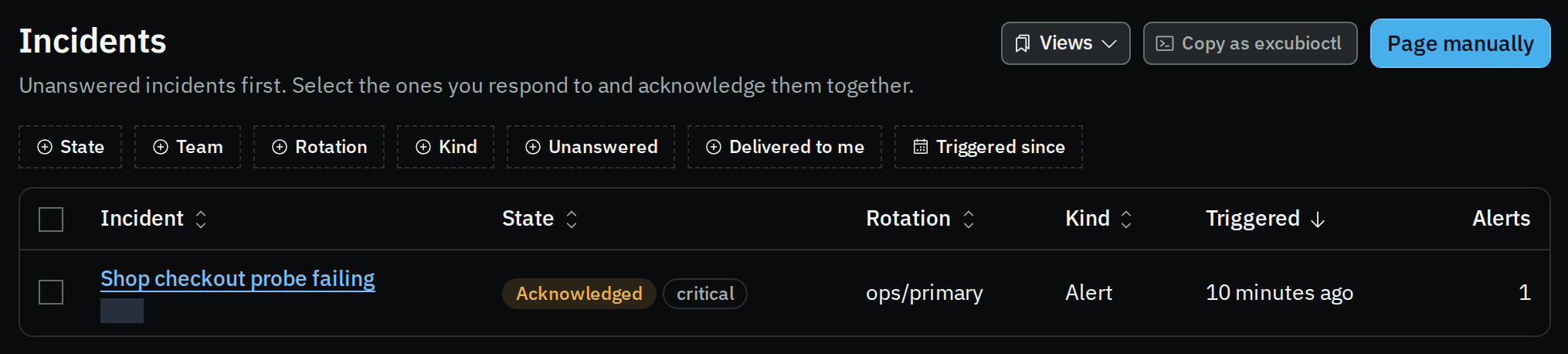
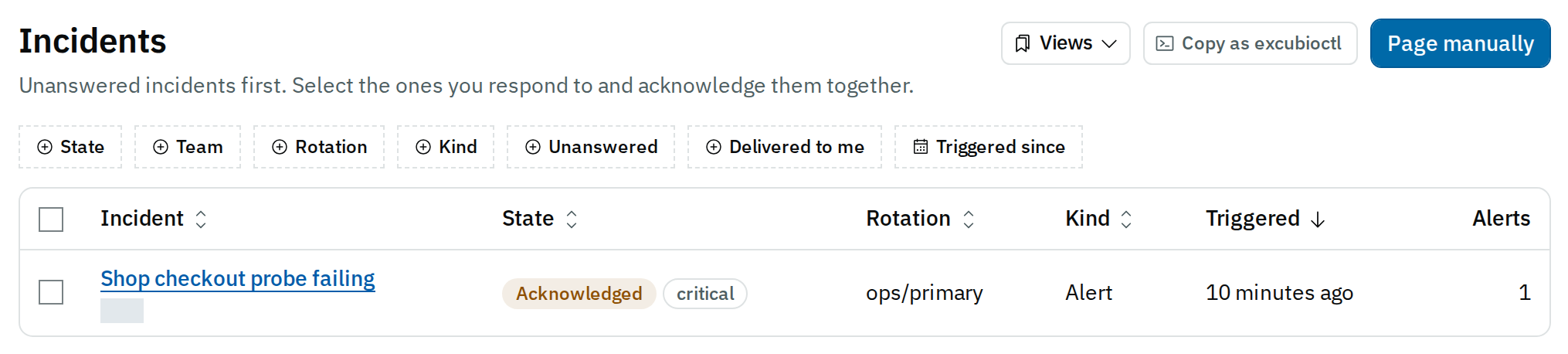
Filters for state, team, rotation and time, and saved views, work as in
every list (lists); excubioctl incident list
gives the same list.