Make a change set
Every change of the hub's spec is a change set: a draft of changed files
on the active revision, validated on every save, tested and replayed
against stored events when submitted, approved by the teams it affects
and merged into the next revision
(change sets). Here Author One,
an author of ops, makes warnings page on call too; Approver One, an
approver of ops, and Admin One approve.
1. Open the file in a draft
Configuration › Spec lists the active revision's files by kind. Open
routing/classify/oncall-critical.toml, the Classify rule that sets the
fact oncall for critical alerts, and Edit:
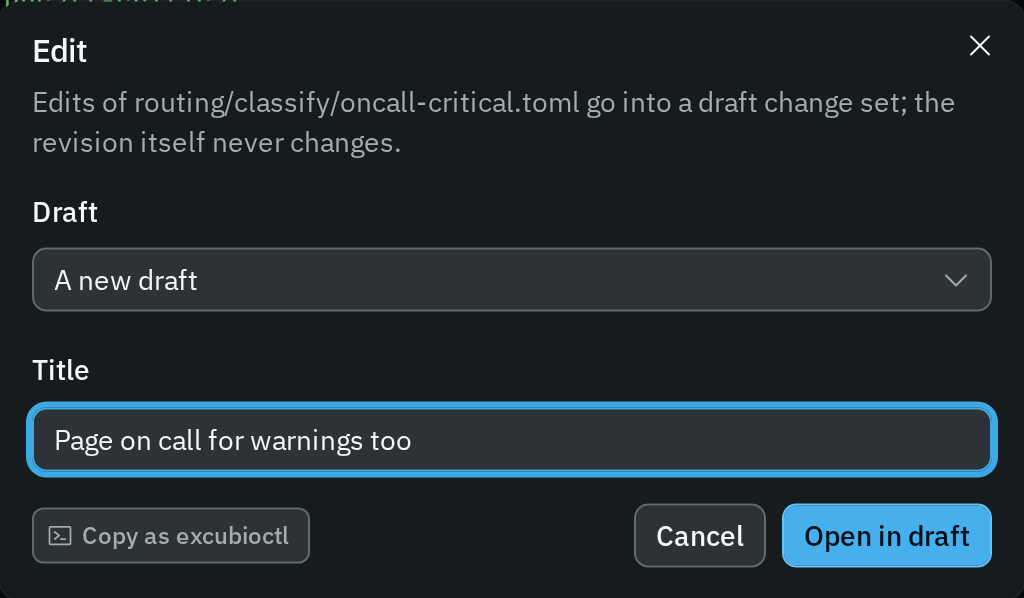
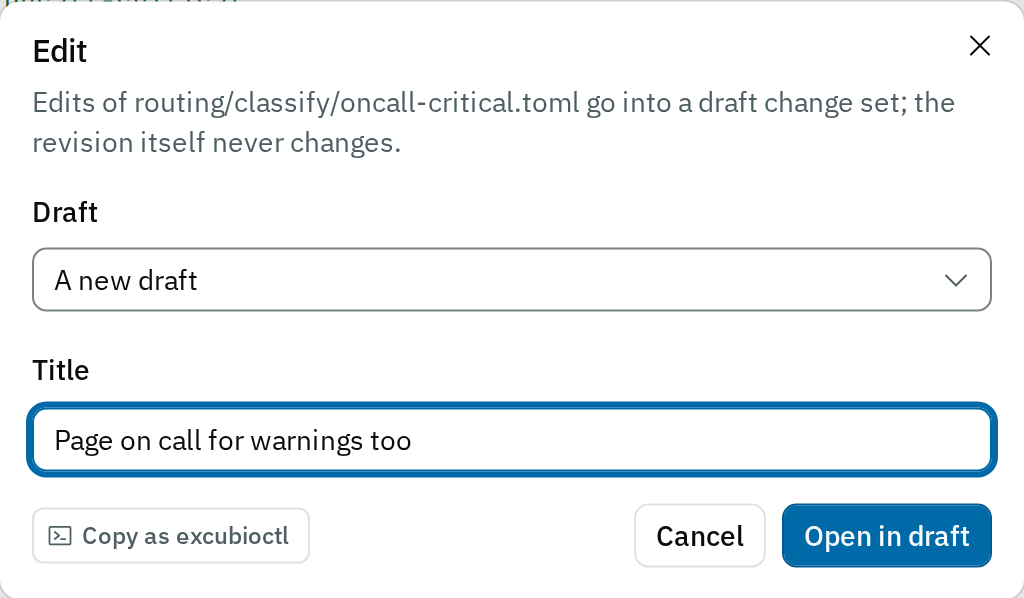
Nothing writes the spec directly: the file opens in the draft's editor.
2. Edit and validate
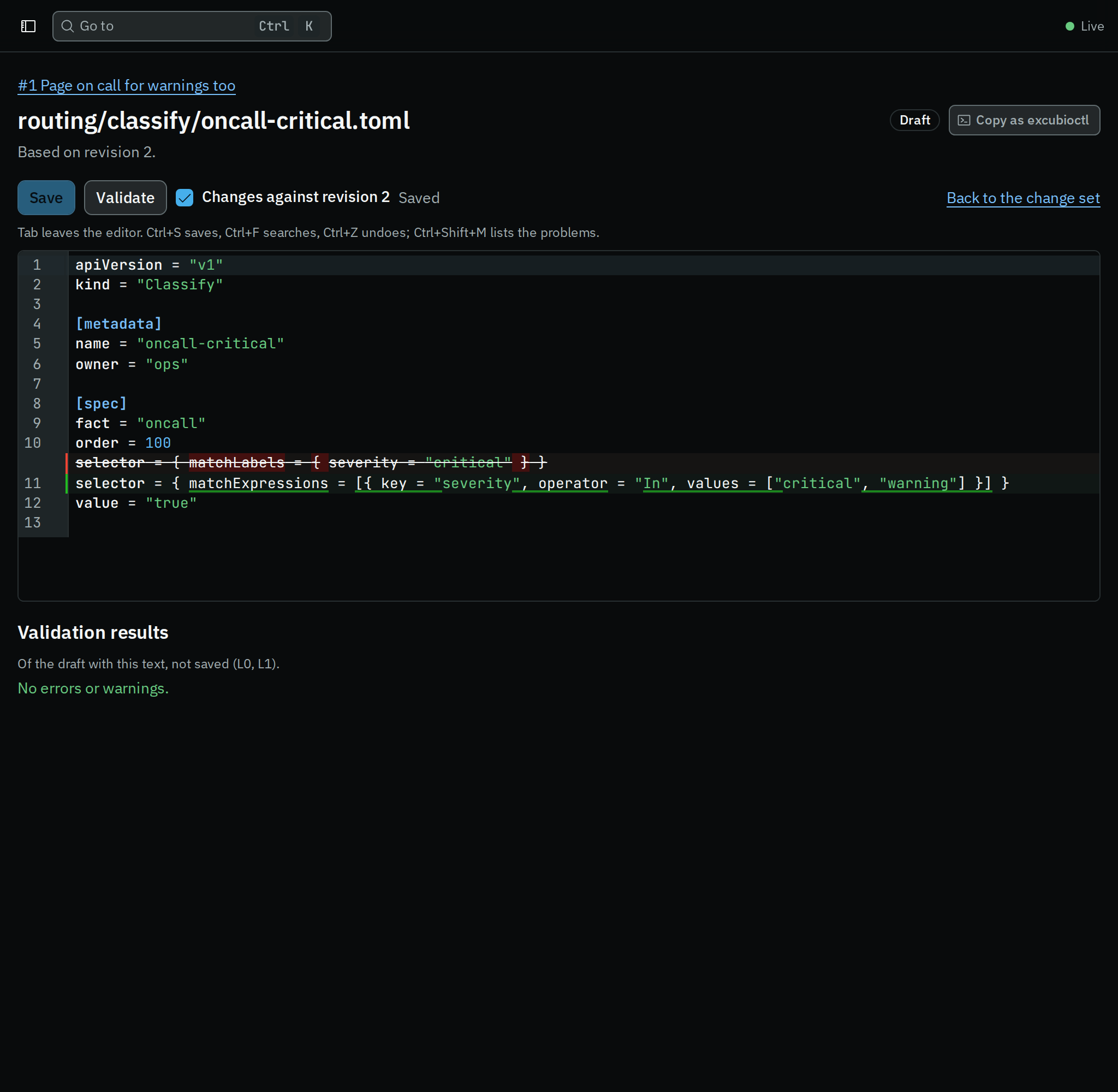
Change the selector to take warnings as well:
selector = { matchExpressions = [{ key = "severity", operator = "In", values = ["critical", "warning"] }] }
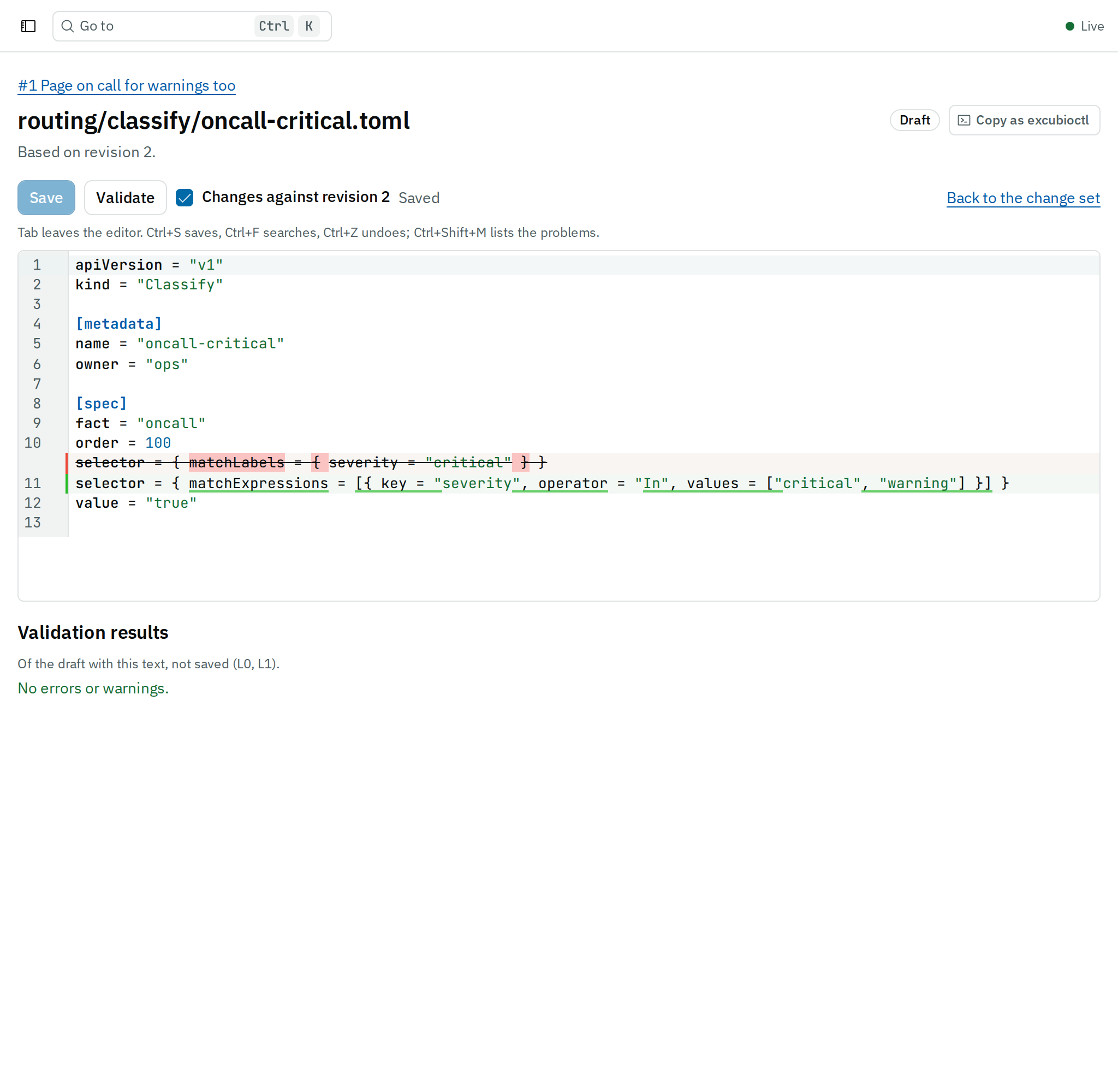
Save stores the draft and checks its syntax and references (L0 and L1); Validate ① checks the text in the editor without saving it. Changes against revision ② shows the diff in the editor:
Selectors are described in selectors, the checks of each level in validation levels.
3. Submit
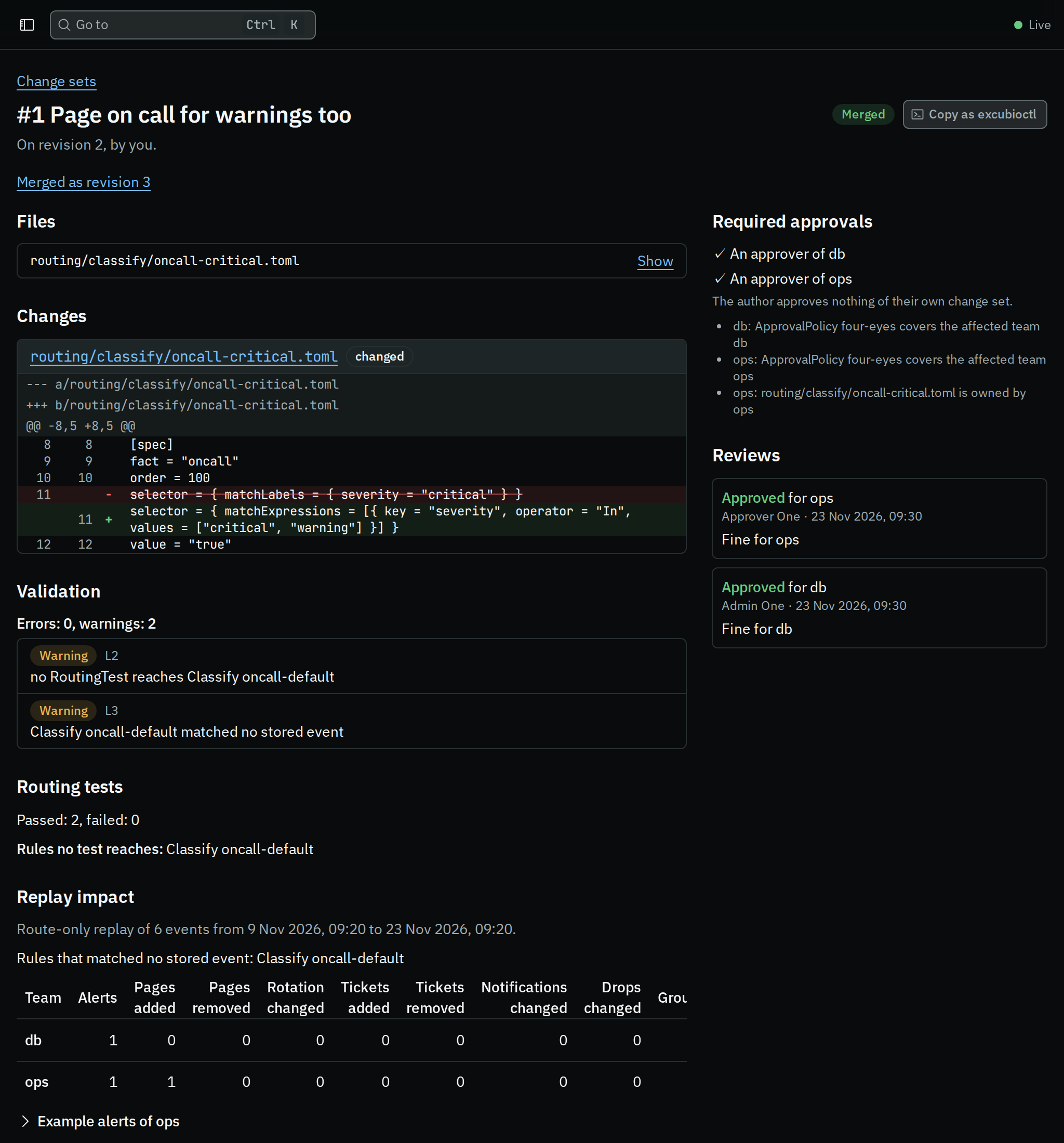
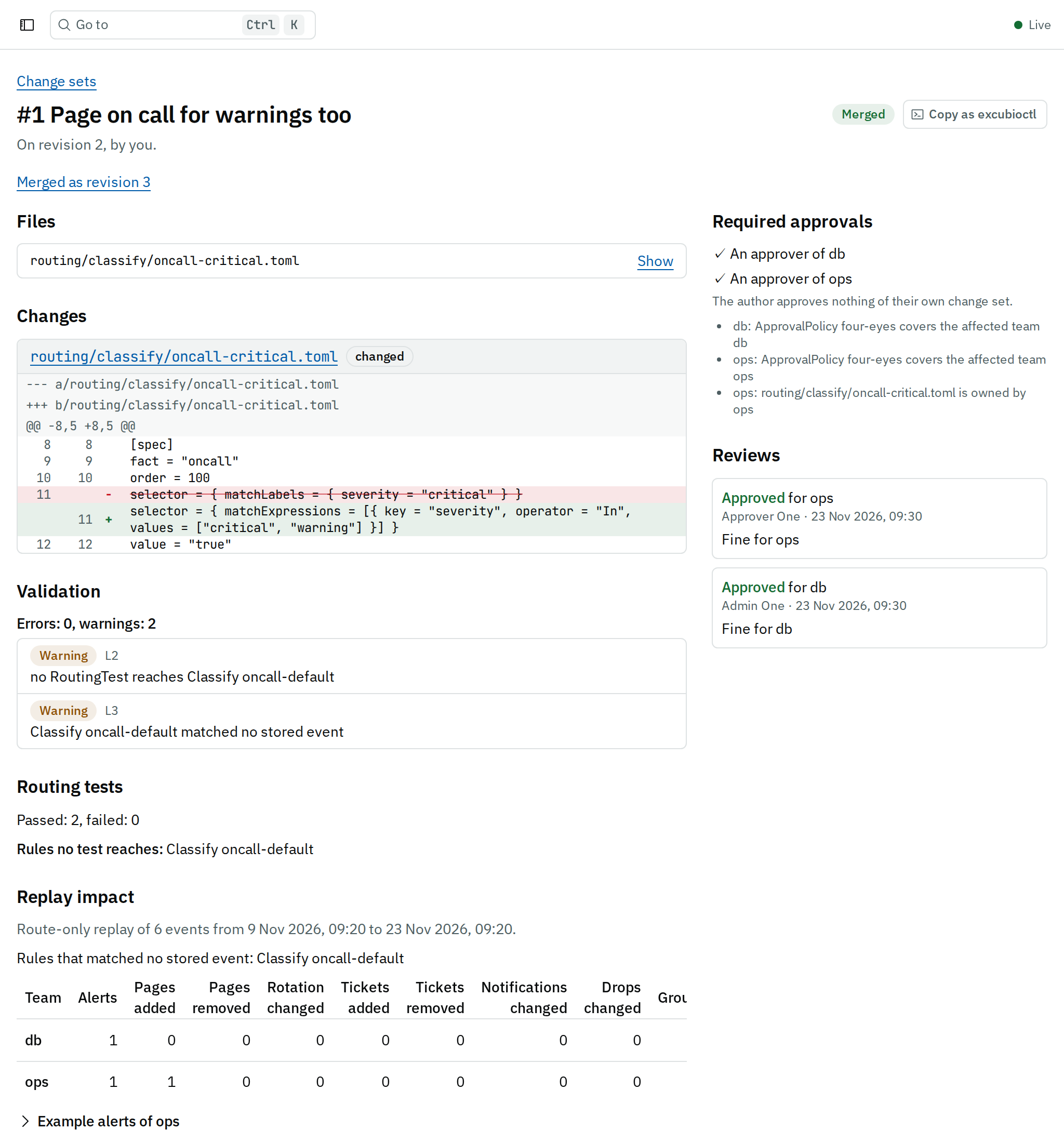
Back to the change set, then Submit. The hub runs the RoutingTests and replays stored events against the change; the change set shows the result, the impact per team and what it needs to merge:
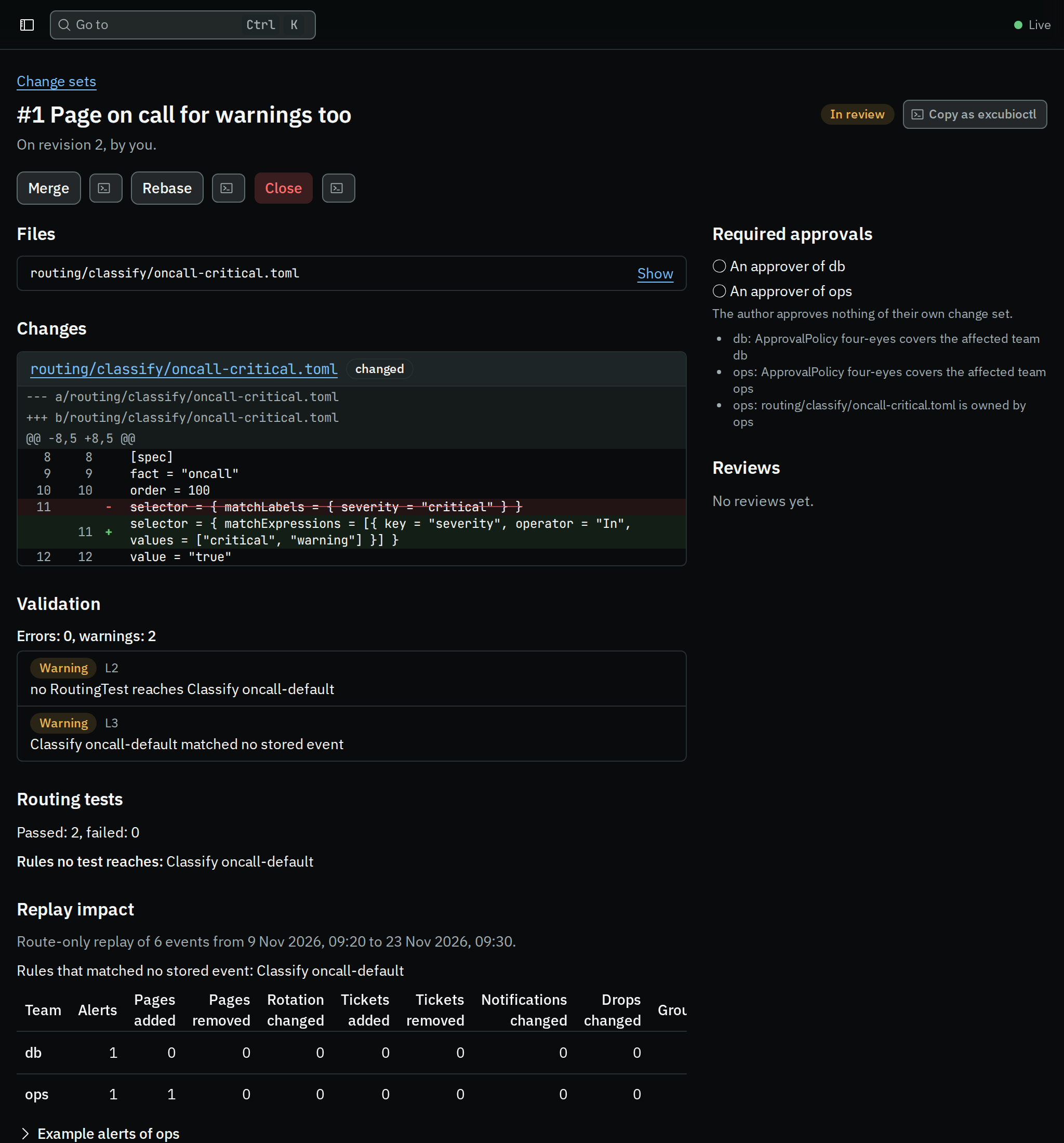
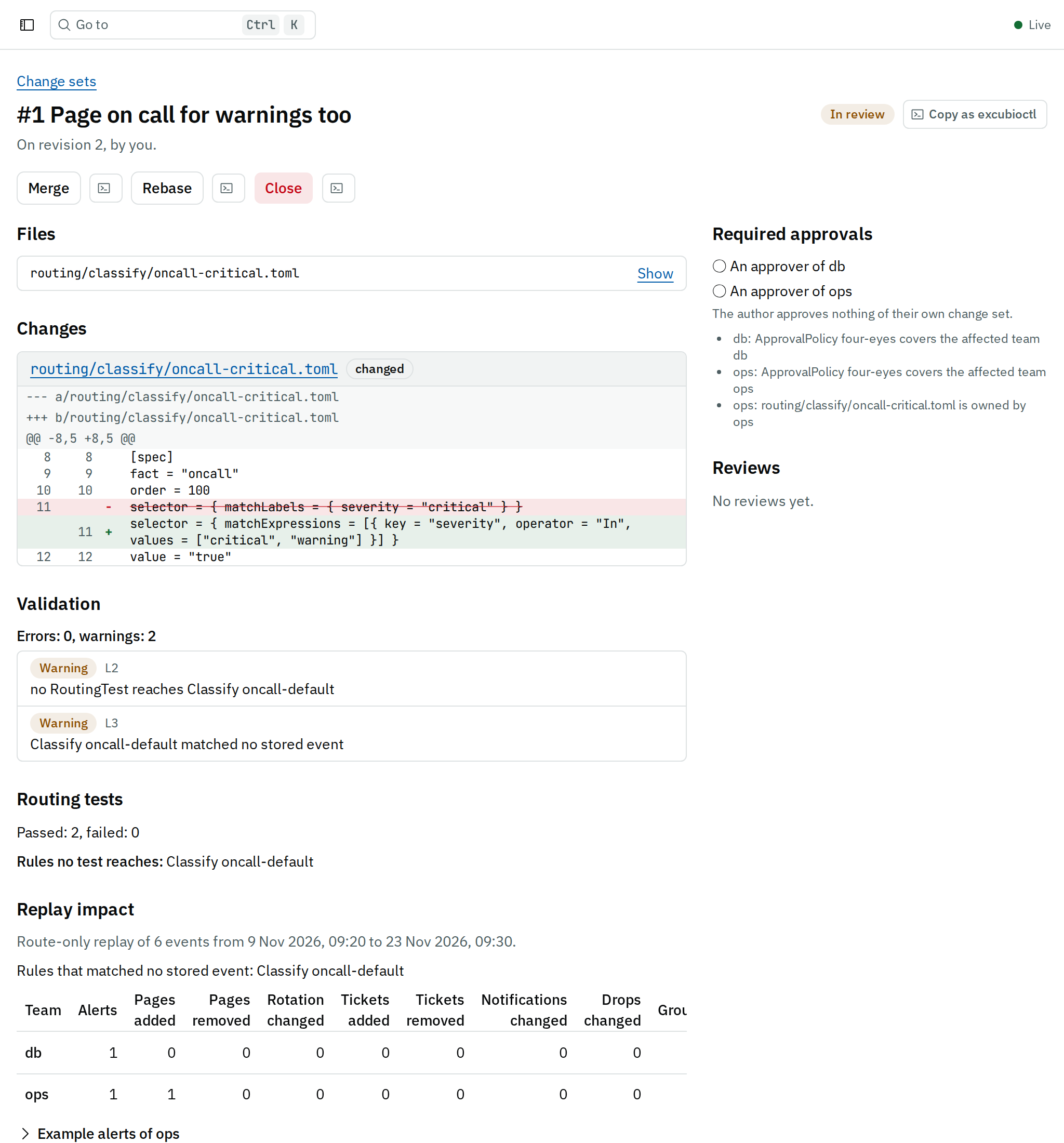
The replay finds warnings of ops and of db whose decision changes,
so the hub's ApprovalPolicy asks for an approver of each team. Who must
approve follows from the ApprovalPolicies, the impact and the owners of
the changed files; a change without impact on a team a policy names
needs no approval at all, and the author approves nothing of their own
change set (approvals).
4. Review
The change set waits on the Change sets page of everyone who may approve
(filter Awaiting my review). Approver One opens it and Approves
for ① ops:
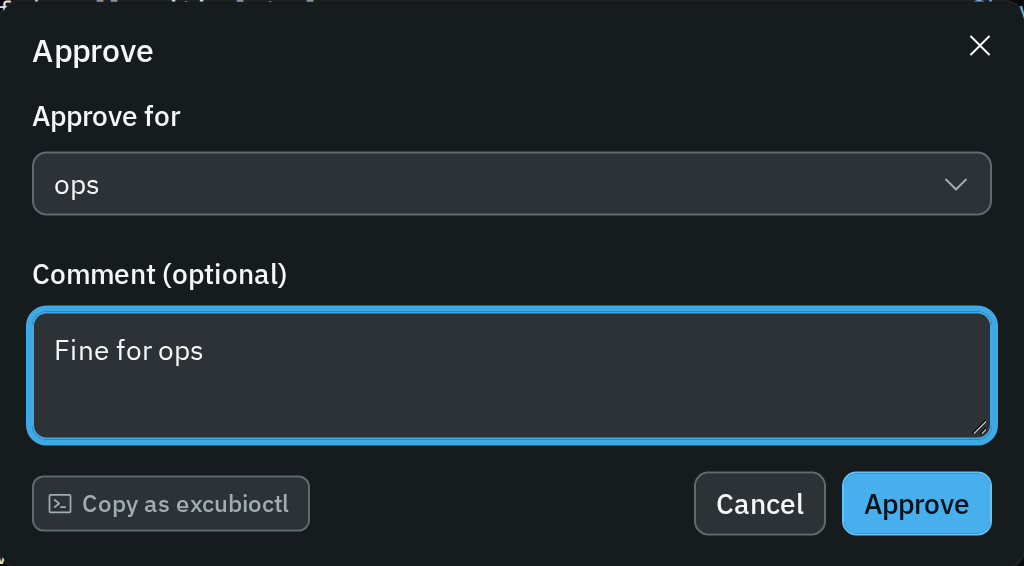
Admin One, an admin of the whole hub, approves for db the same way.
Reject blocks the merge until the author submits again.
5. Merge
With the requirements met, the author Merges. The merge creates the next revision, which is active at once:
From the command line the same is excubioctl spec pull, an edit,
excubioctl changeset push -m … and excubioctl changeset submit, then
excubioctl changeset approve N and excubioctl changeset merge N
(command reference).
A hub with only one admin can't follow the two-person rule for what only an admin may approve: When the hub has one admin.