When the hub has one admin
The two-person rule needs a second person. A small organisation may start with one admin on its hub; until a second one joins, that sole admin acts alone, visibly and audited (sole admin):
- the
approver,adminandsecret-adminbindings the sole admin creates are active at once, without a second admin's confirmation; - the sole admin approves their own change set for what nobody else may
approve, such as the
adminapproval every change tosources/,policies/orsettings/needs (approvals).
1. See that the hub has one admin
Admin › Role bindings says so while it lasts ①:
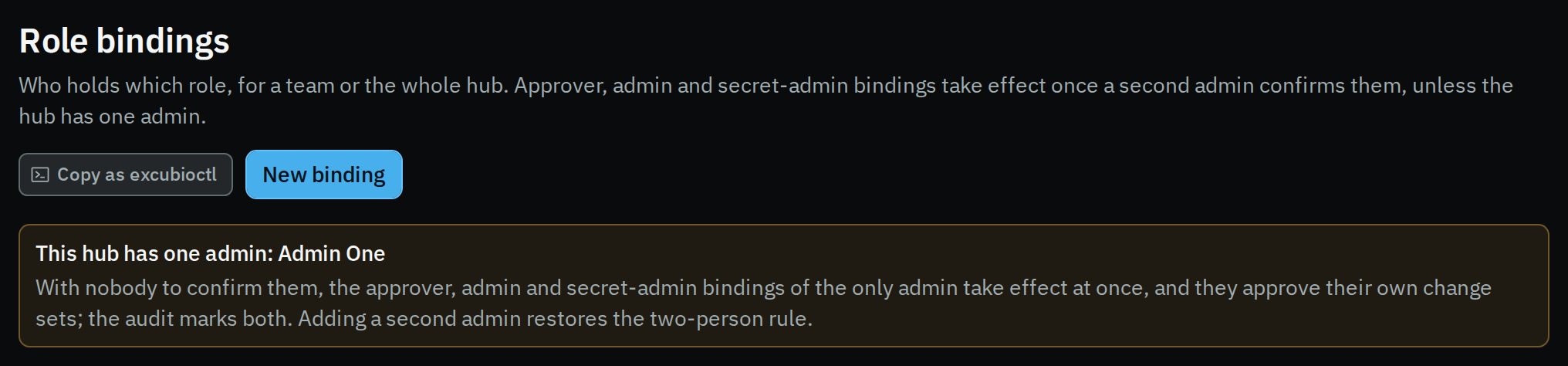
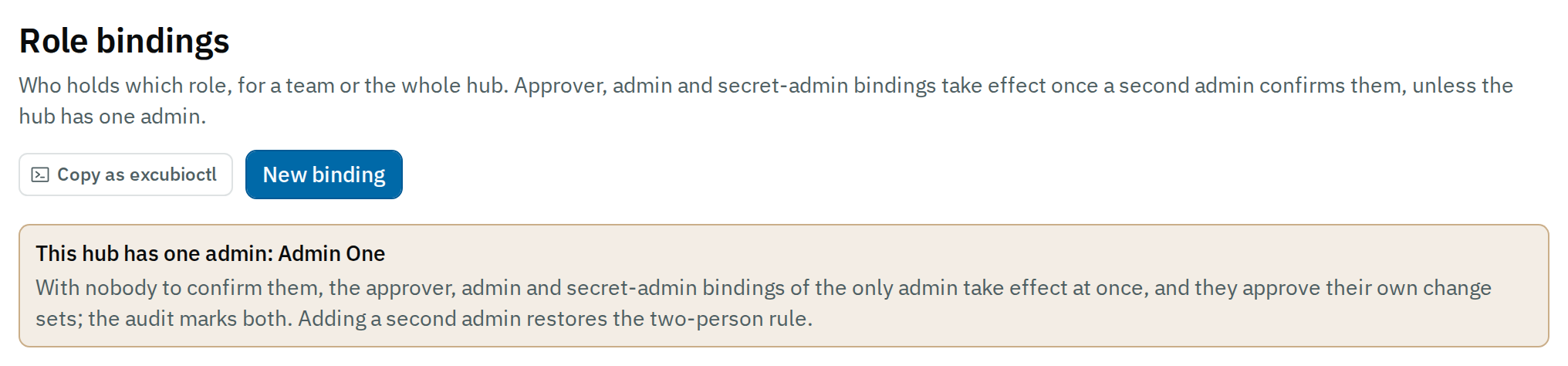
An admin who steps down removes their own binding. The hub refuses one admin removing another's binding when that would leave a sole admin.
2. Approve your own change set
The review of the sole admin's own change set says what they may approve themselves ①; the change set offers Approve, but no Reject:


The approval is recorded as the self-approval of the only admin, in the review and in the audit:


excubioctl changeset submit names what the author may approve as the
sole admin, excubioctl changeset approve N says whether an approval is
a self-approval (command reference).
3. Add a second admin
New binding with the role admin for another person ends it: the
binding is active at once, the notice goes, new bindings wait for a
second admin's confirmation again, and a self-approval no longer counts
at the merge.