Contact methods and notification rules
You are paged on the contact methods you add yourself and in the order your notification rules give. A person is only reachable with a rule that reaches a verified number or a ready device; a shift of a person who isn't reachable counts as a gap. Everything here is on Me, the page every person has.
1. Add your number
In Contact methods, Add number asks for a label, the number in
E.164 form (+ and the country calling code) and the media it takes:
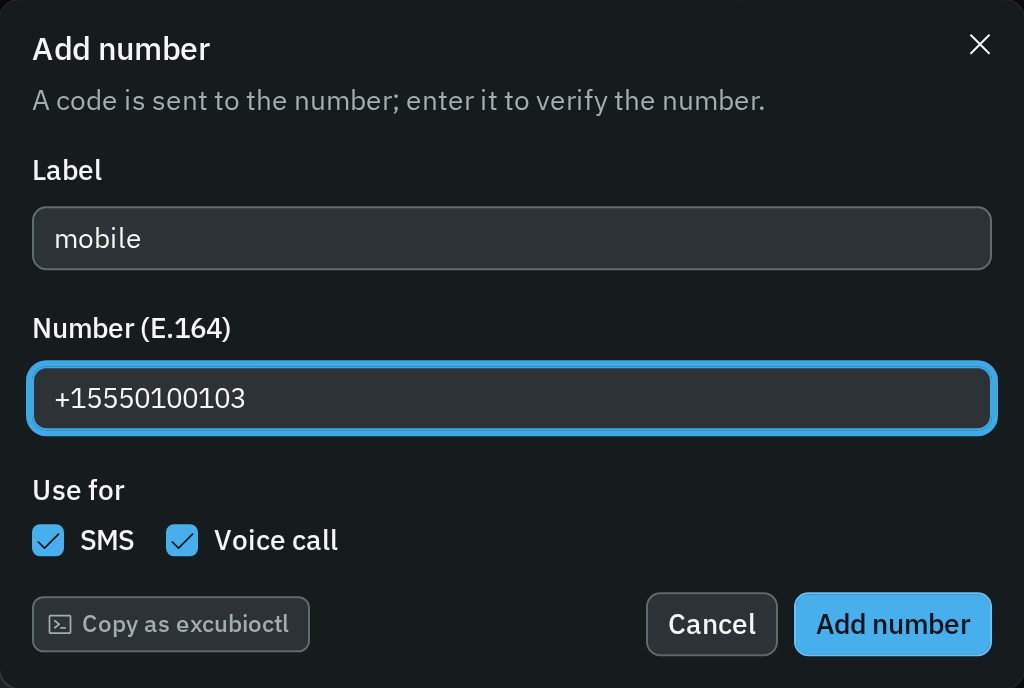
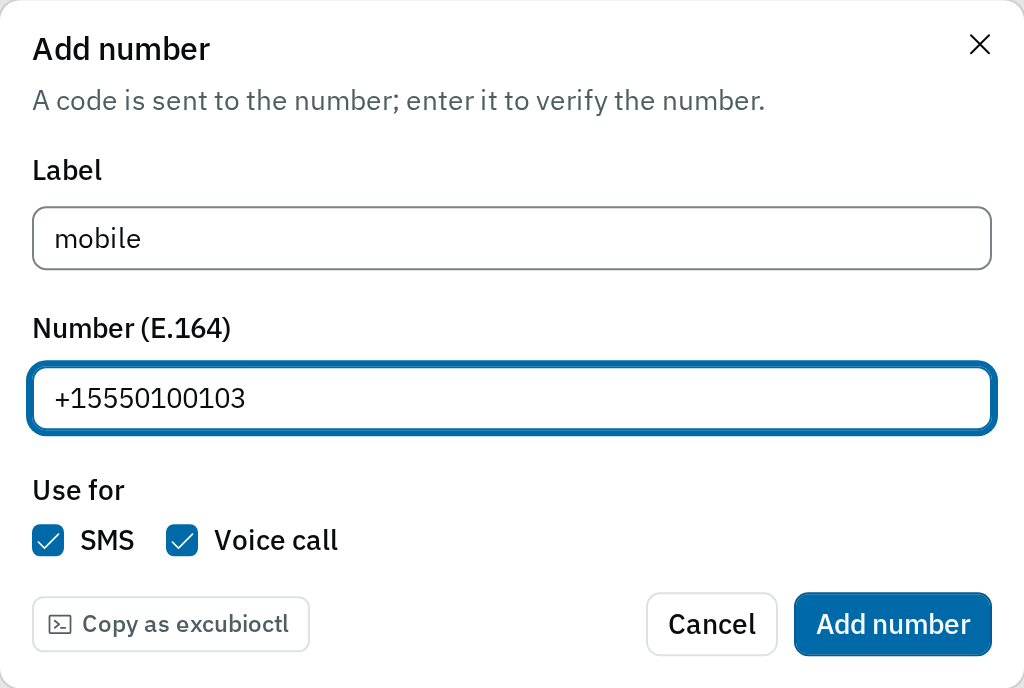
The organisation decides which country calling codes are allowed (Settings); special-rate numbers are refused (people and teams).
2. Verify it
Adding the number sends a six-digit code to it, by SMS, or by a call for a number that takes voice calls only. Verify takes the code:
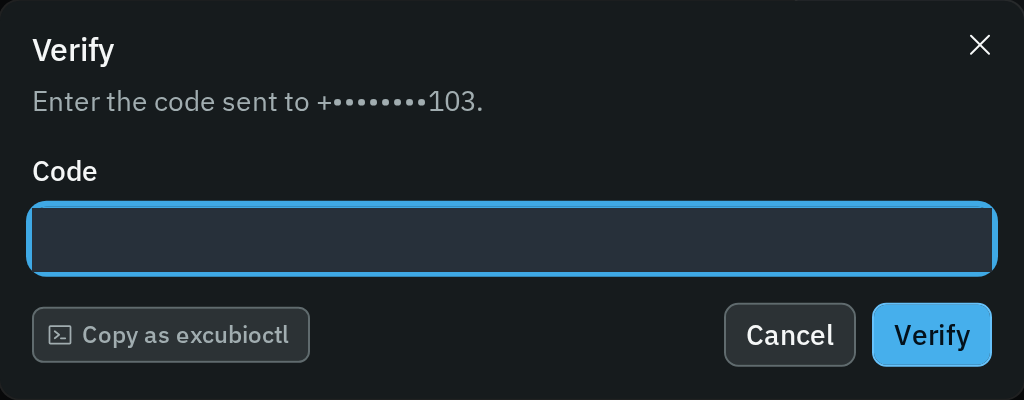
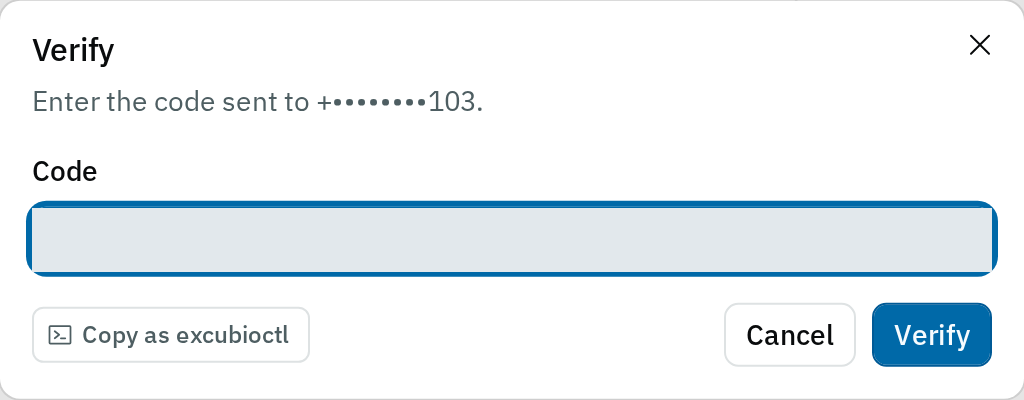
A code is valid for ten minutes and five attempts; Send new code sends a new one. Once verified, Test sends a test message to it:
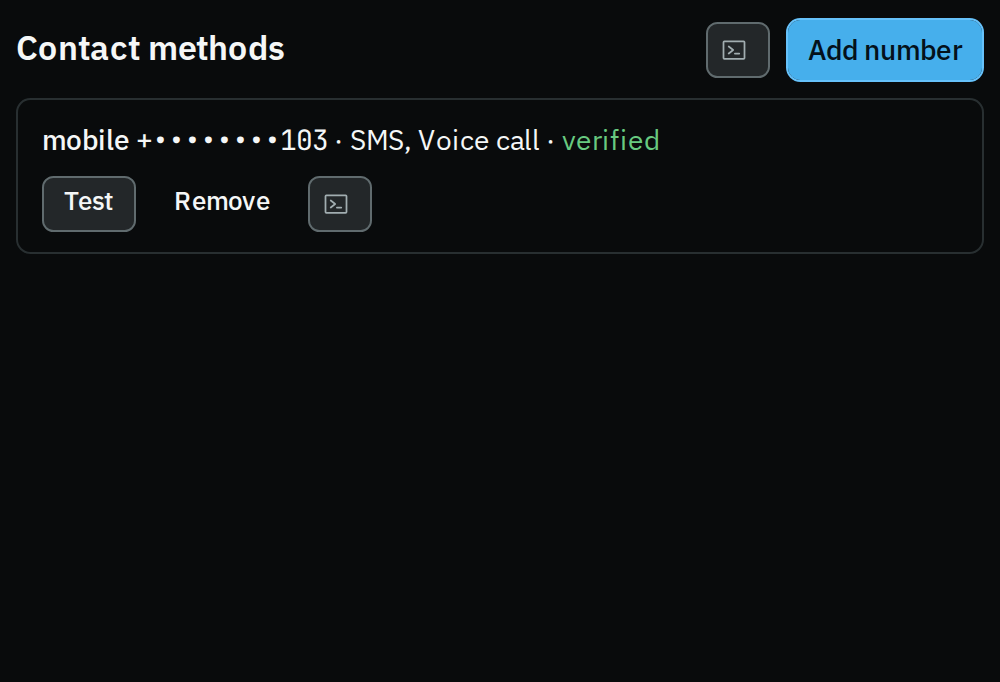
With the app on your phone, scan the QR code under Devices to sign in there; the app's readiness counts like a verified number (mobile app).
3. Set your notification rule
A rule is a chain of steps, each a medium on one of your numbers or devices and the time to wait before the next step. The first rule whose times and severity match a page runs, step by step, until you respond:
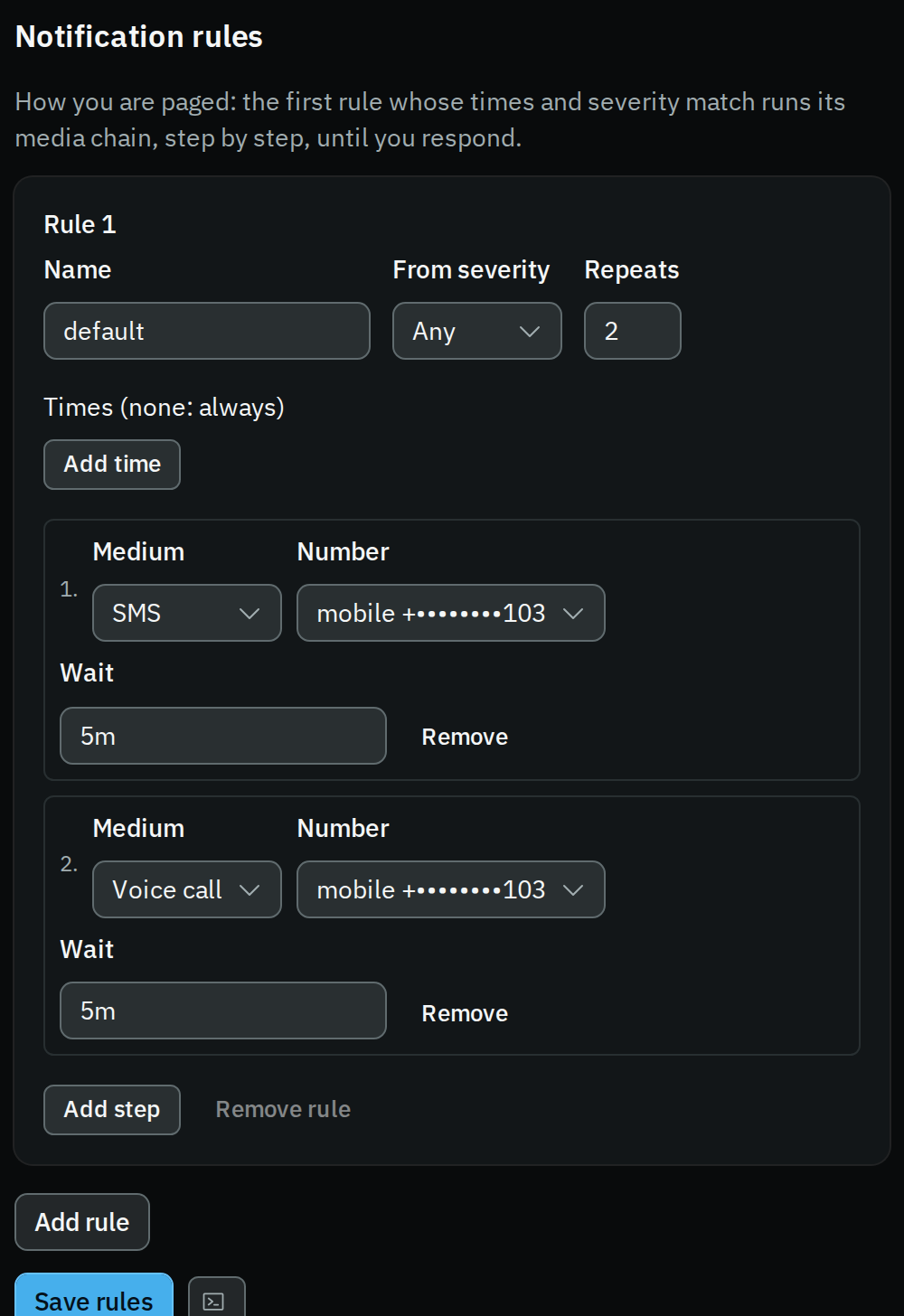
Add time limits a rule to times of the week, From severity to pages of a severity and above, so that, for example, warnings outside office hours only send an SMS. How the cloud delivers each step, and what happens when a medium fails, is in delivery.
excubioctl contact add +15550100103 --label mobile --media sms,voice
and excubioctl contact verify ID CODE do the same from the command
line, excubioctl me update --file me.toml sets the rules
(command reference).